Google Classroom
Help for Students:
Get Organized and
Stay on Top of Schoolwork
Google Classroom is a powerful tool — and with the right strategies, you can use it to keep track of assignments, manage deadlines, and build better study habits.


Master Google Classroom for Students
An online course from Tech for Exec
Help your student manage assignments, stay organized, and
develop better school habits with practical, step-by-step video lessons.
Less confusion. Fewer missed assignments. More independence.
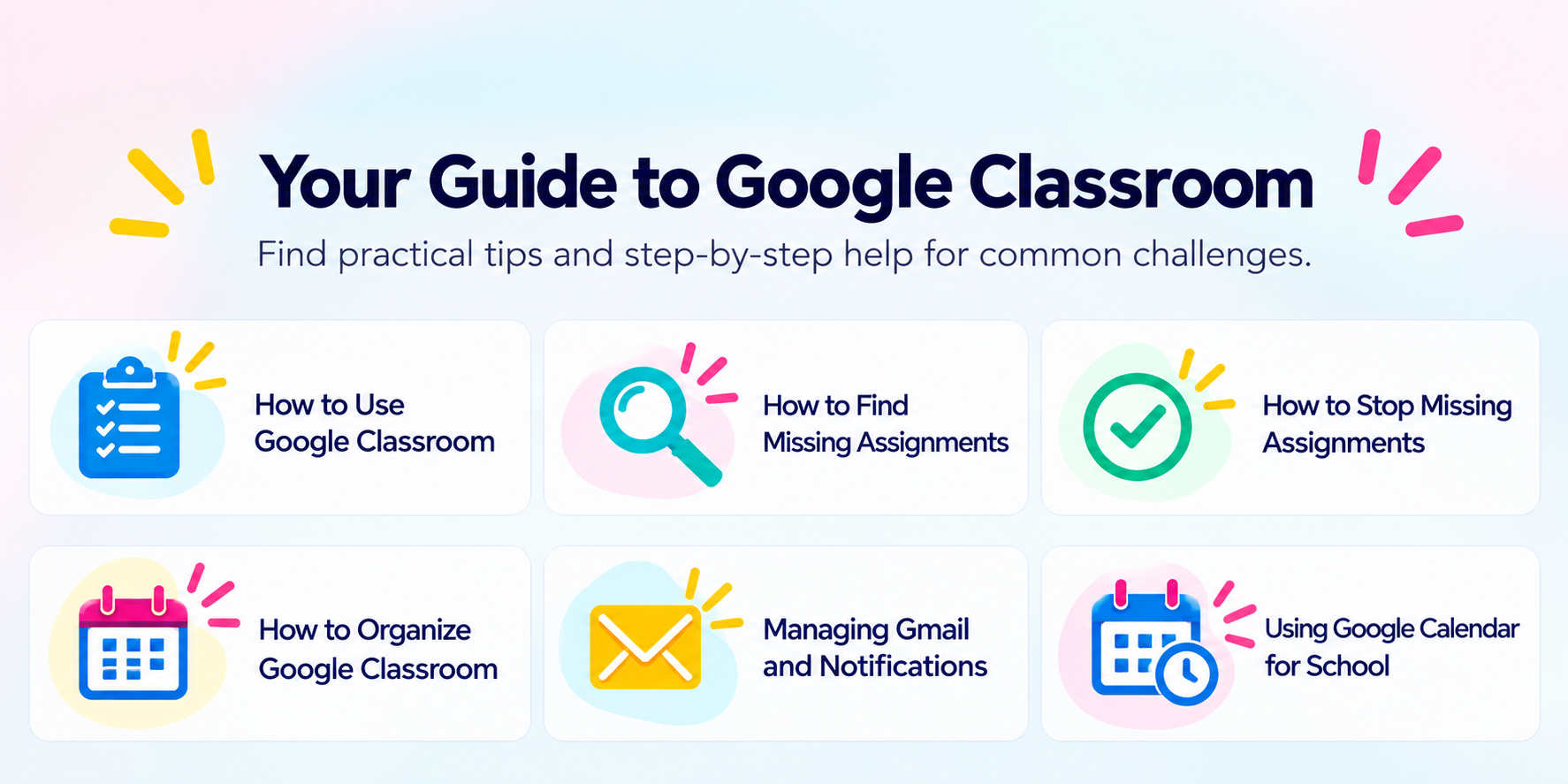
How to Use Google Classroom Effectively
Google Classroom is more than a place where teachers post assignments. It is a central hub for managing schoolwork, communicating with teachers, and keeping track of what needs to get done. Understanding where to find information is the first step toward getting organized.
The Stream is where teachers share announcements, reminders, and class updates. Although assignments may appear here, older posts can get buried, so it is not the best place to manage your work.
Classwork contains assignments, materials, quizzes, and resources organized by your teacher. To-do provides a broader view of assignments across classes, helping you identify what needs attention.
Once you understand how these areas work together, finding important information becomes much easier.
Find and Prevent Missing Assignments
How to Find Missing Assignments in Google Classroom
Sometimes assignments get lost among announcements. Other times, you may finish the work but forget to click Turn in. Start by opening the To-do section and checking the Missing tab for assignments that have passed their due dates without being submitted. Check individual classes as well, and always confirm that completed work has actually been turned in. Read our article for more tips: How to Find Missing Assignments in Google Classroom
How to Stop Missing Google Classroom Assignments
Finding missing work is useful, but a simple daily system can help prevent it. Check assignments at the beginning and end of each school day, review upcoming deadlines, look at teacher comments and returned work, and confirm that every completed assignment has been submitted. Small, consistent habits make it easier to stay on top of schoolwork.
Read our blog article for more tips: How to Stop Missing Assignments in Google Classroom.
Build a Better Google Classroom Organization System
A good organization system should help students quickly answer three questions: What do I need to do today? What assignments are coming up? Is there anything I have forgotten or missed? Google Classroom works best when students use it alongside Gmail and Google Calendar.
Organize Gmail and Notifications
Classroom notifications can get mixed in with other emails. Gmail labels, filters, and notification settings help students spot important school communications while reducing distractions.
Plan Ahead with Google Calendar
Calendar makes it easier to see deadlines alongside activities, appointments, and sports. Seeing a busy week in one place helps students decide when to work on larger assignments instead of leaving everything until the last minute.
Create a Daily Check-In
Before school: Review what is due today. After school: Check upcoming assignments, missing work, and teacher feedback. Before finishing homework: Confirm that completed assignments have been submitted. A few focused minutes each day can build greater independence over time.
Related reading: How to Stay Organized in Google Classroom: A Student’s Guide.
Google Classroom Help
for Parents
Learn how to support your student’s success with simple strategies for building organization and independence.
Practical Google Classroom Tips for Parents
Being comfortable with technology is not the same as knowing how to organize schoolwork. Middle school students are still developing the skills to plan ahead, manage time, prioritize tasks, and follow through. Your role is to help them build a repeatable system—not to become their assignment manager.
1. Start with a short daily check-in
Ask your student to show you what is due today, what is coming up, and whether anything is missing. Keep the routine brief and consistent.
2. Let your child lead the screen
Have your student open Classroom, find the assignments, and explain the plan. Prompt with questions instead of navigating or submitting work for them.
3. Look beyond the Stream
Encourage your student to review Classwork and To-do rather than relying on announcements alone. Check teacher comments and returned assignments, too.
4. Plan the whole week together
Use Google Calendar to look at assignment deadlines alongside sports, appointments, and family activities. Help your student identify when to begin larger projects.
5. Gradually hand over responsibility
Start with reminders and a shared routine. As your student becomes more consistent, let them manage the check-in independently and come to you when they need help.
The goal is not a perfectly managed inbox or assignment list. It is a student who knows how to find information, make a plan, and follow through.
Frequently Asked Questions
How can students get help with Google Classroom?
Learn where to find assignments, review deadlines and develop a short daily check-in routine.
How do I find missing assignments?
Open To-do and select Missing. Also check individual classes and verify completed work was turned in.
How can I stay organized in Google Classroom?
Review work daily and use Gmail and Google Calendar alongside Classroom.
Is Google Classroom difficult for middle school students?
Managing several classes takes organization and time-management skills, even when the app itself is familiar.
Can parents help with Google Classroom?
Yes. Encourage consistent routines while gradually helping students take ownership of their work.
Is there a Google Classroom tutorial for students?
Tech for Exec offers Master Google Classroom for Students, a step-by-step online course.
Ready to take control of your schoolwork?
Explore our course and become a Google Classroom pro!